
Information Technology
Introduction
We use a range of information technology to support our mission to spread the Good New of Jesus Christ across our area. This includes:
- YouTube livetreaming
- Sound system
- PowerPoint
- Microsoft 365 (including church email and cloud storage)
- Website (using WordPress).
If you’d like to get involved in any of that, we’d love to hear from you. Just send us a message using our Contact Us page.
YouTube livestream of Sunday morning services
If you’re looking for the livestream of our Sunday morning services, click on the YouTube logo below:

IT Guidance
Below you’ll find guidance on using various aspects of the church’s information technology. If you know what you’re doing and simply want to get straight into either the Microsoft 365 system or WordPress (for website editing ), click on the relevant link below:
- Microsoft 365: tryst.church/office365/
- WordPress website editing: tryst.church/wp-admin/
Otherwise, click on a guidance topic below.
Detailed guidance
How to add events and meetings to the Church Calendar

How to add events and meetings to the Church Calendar Introduction We want to make...
IT Acceptable Use
Tryst Church Email & Office 365 – Acceptable Use Guidance To ensure effective and responsible...
Logging into Microsoft 365
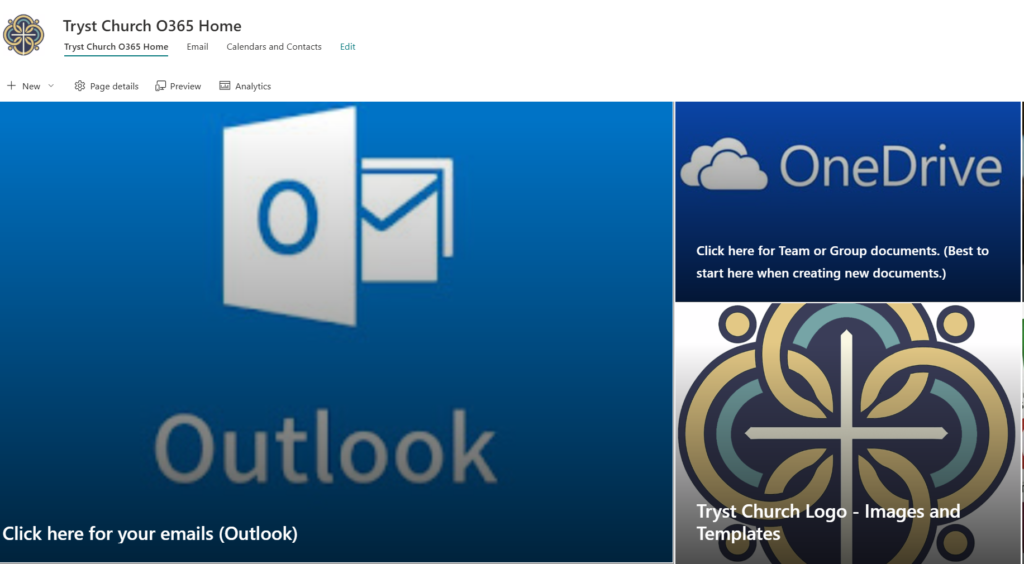
The video below shows you how to log into Microsoft 365. These steps replace the...
How to pin a Group or Library to Quick Access in OneDrive
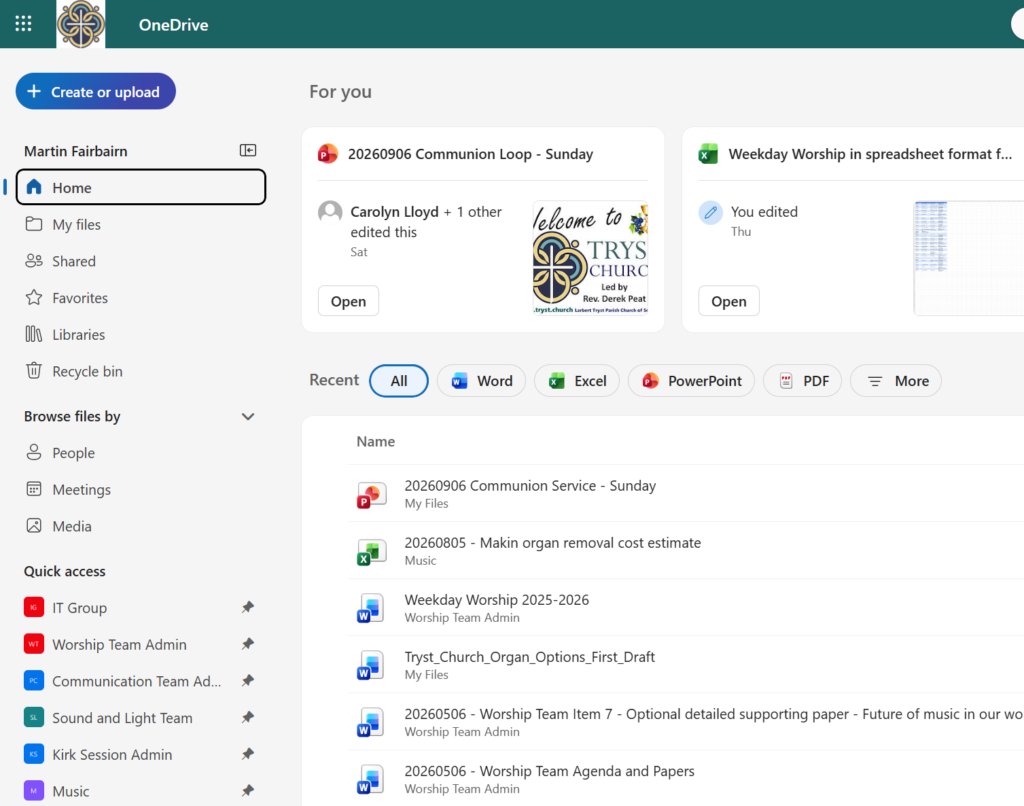
The video below guides you through how to add a Group/Library to the Quick Access...
Document management, creation and editing in Microsoft 365
The video below shows you how to create, edit and share documents (e.g. meeting agendas...
Changing membership of Email Distribution Lists and Microsoft 365 Groups
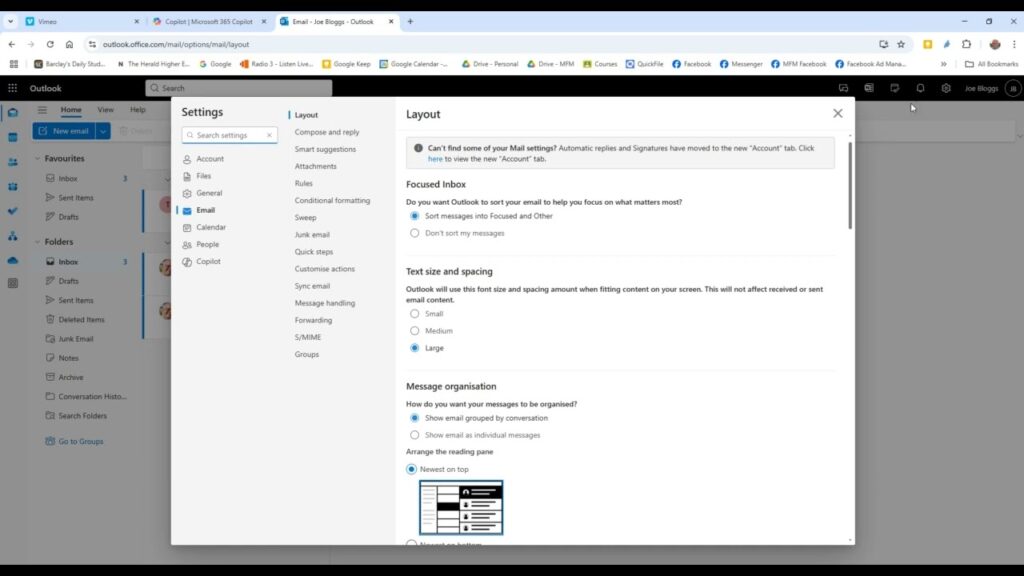
The video further down this page shows you how to change the membership of Distribution...
Turning off Conversation view or Threaded view in Outlook
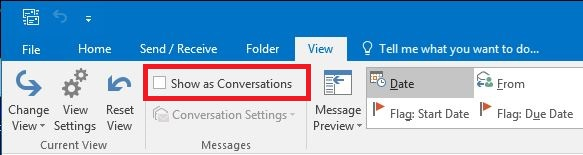
Conversation View groups emails with the same subject into a single thread, which can be...
First Time User – Microsoft 365 Email and Cloud
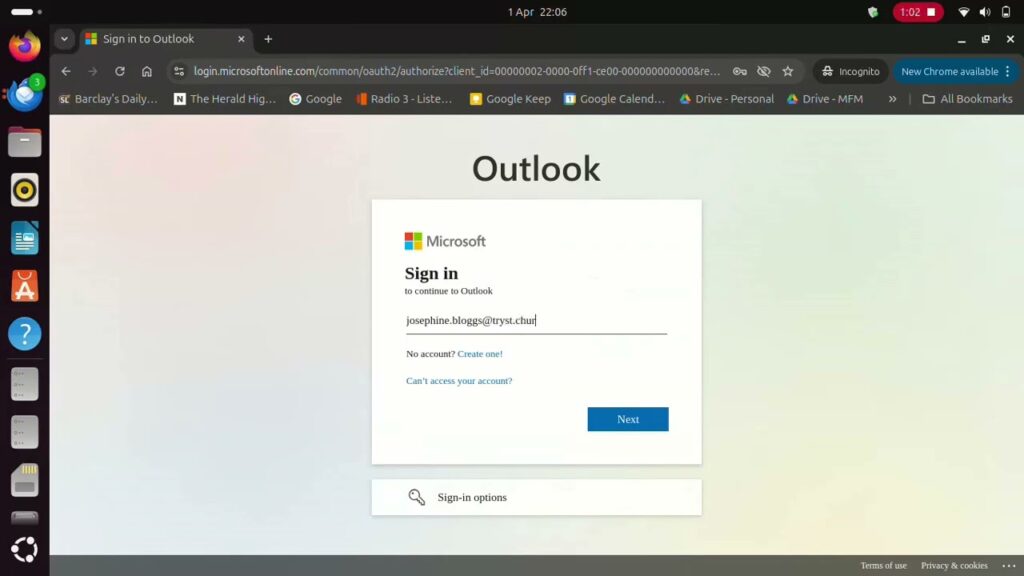
Introduction Below there are six sets of instructions and videos to help you set up...
Using a Microsoft 365 Group email
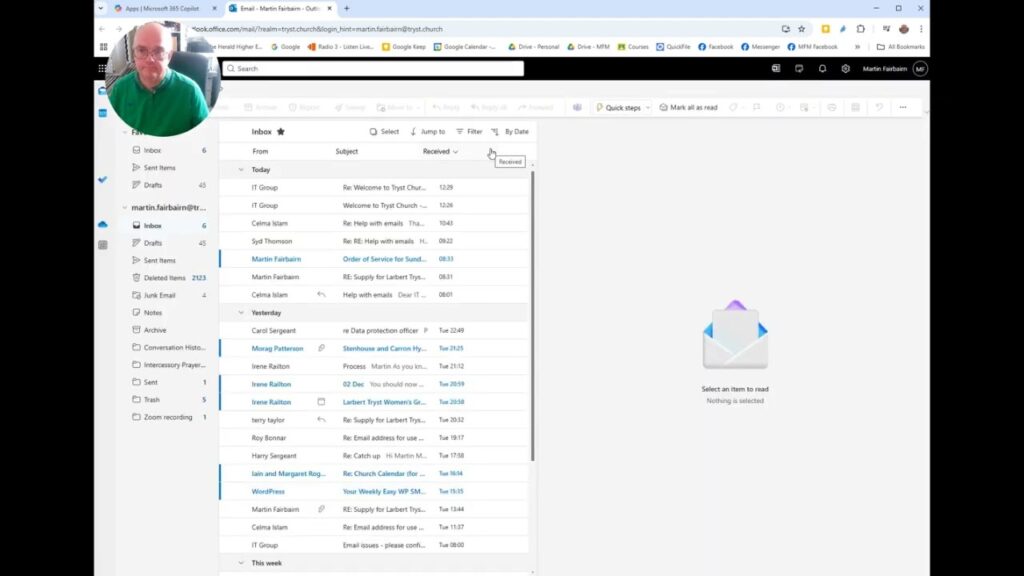
The video below guides you through how to use a Microsoft 365 Group email. Important...
WordPress – Updating News page for weekly notices
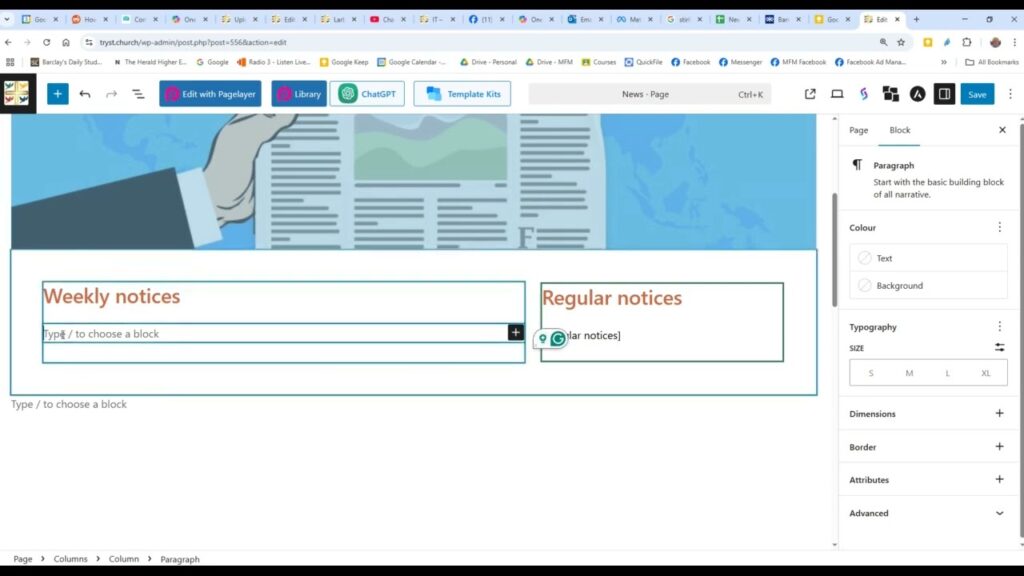
The video below shows you how to update the News page for the weekly notices....
WordPress simple page editing guide
Table of Contents[Open][Close]IntroductionLaunching WordPressWordPress dashboard and the pages of the websiteA different way to see...
IT – Changing from Larbert East to Tryst
This page provides guidance on what to do after you've switched over from a Larbert...